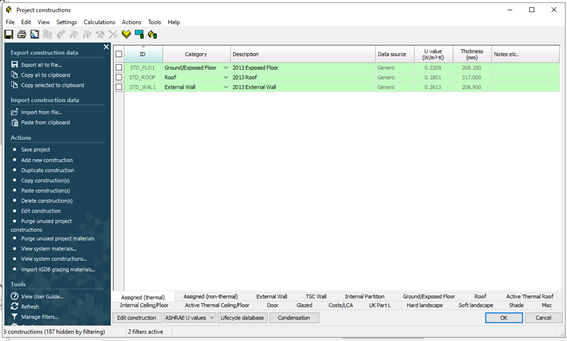
Selection of the Tools > Constructions button launches the Project Constructions dialog. Users can use existing database constructions or create their own for external wall, internal partitions, glazed etc.
Constructions are to conform to the specific requirements outlined within the Gibraltar 2024 NCM modelling guide.
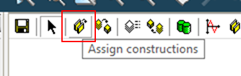
Upon selection of room(s) within the compliance geometry viewer, users can assign constructions via the Assigned constructions button.
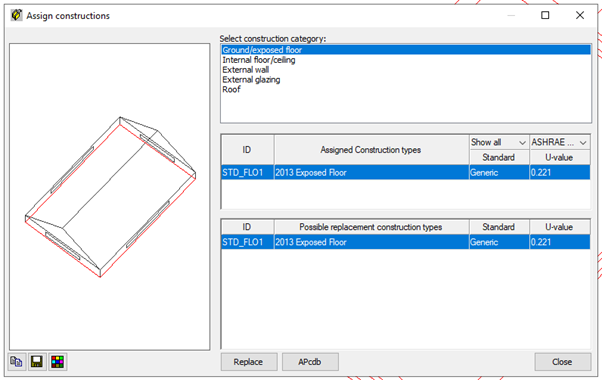
The Assign constructions dialog enables users to assign constructions to different construction categories in the model. This can be applied on a room by room basis, or as a collective whole.