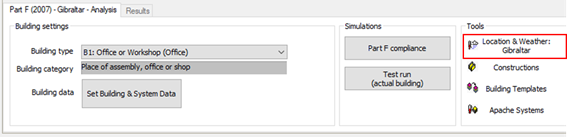
The Tools > Location and Weather button indicates that the Gibraltar weather file is applied. Weather file is locked and tidied to the "Part F (2007) - Gibraltar" compliance route. This prevents users from selecting non-approved weather files.
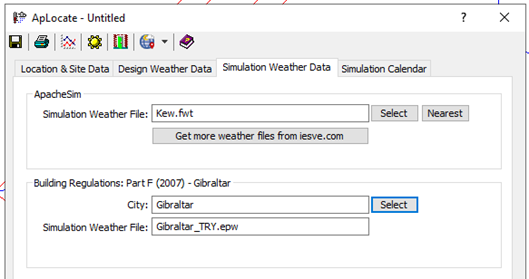
Selection of the Tools > Location and Weather button launches the ApLocate dialog. The Simulation Weather Data tab includes the Building Regulations: Part F (2007) – Gibraltar section, and the appropriately applied “Gibraltar_TRY.epw” weather file.
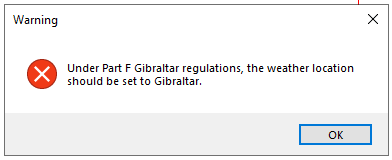
When switching between UK and Ireland compliance routes the below warning shall be displayed when selecting ‘Part F (2007) – Gibraltar’.