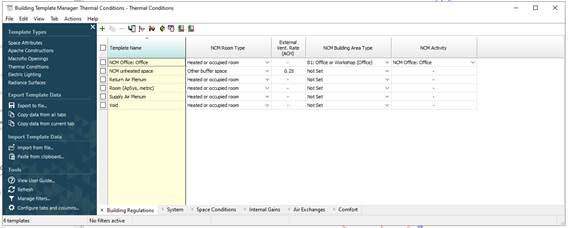
The Building Template button launches the tabular edit version of the Building Template Manager (BTM), providing a quick overview of parameters.
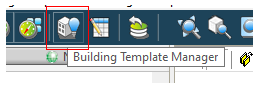
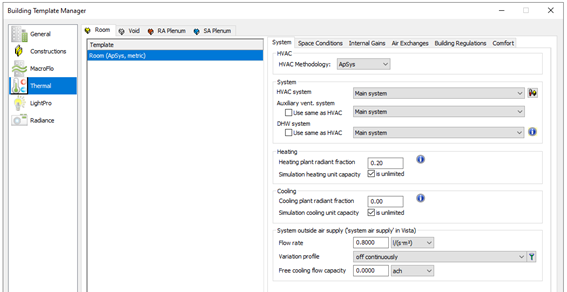
In addition, the traditional view of the Building Template Manager (BTM) is launched via the Building Template Manager button on the main toolbar.
The Building Template Manager (BTM) enables an efficient way to assign Room Data by means of Thermal templates. A Thermal template contains a collection of settings that define the internal conditions applying in a room of a given kind. By defining these conditions centrally, a user can assign them quickly to large numbers of rooms.
Room Templates contain data arranged on tabs under the headings; System, Space Conditions, Internal Gains, Air Exchanges, Building Regulations and Comfort. Not all this data is used in VE Compliance assessments, some being overridden by standard settings. It is therefore important to understand where and how the various components of Room Template data are used, refer to Space data section below.