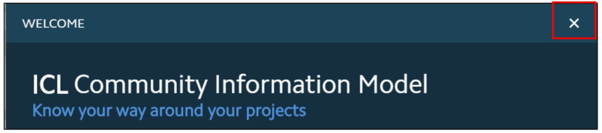
Once the user has familiarized themselves with the navigational controls, click on the cross to close the window.
Figure 4.2.a: iCIM Project – Welcome Page
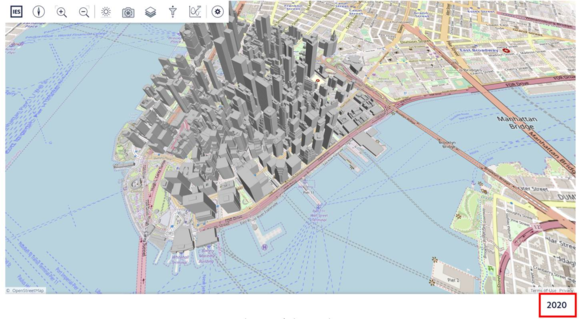
The user will now be able to see the iCIM project page.
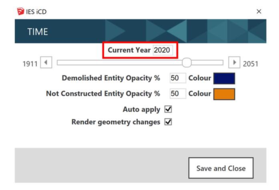
In here the year mentioned is the year that is set as the Current Year in the iCD Time Dimension Tool. In this example, since the year was set as 2020 in iCD the year displayed in iCIM is also 2020.