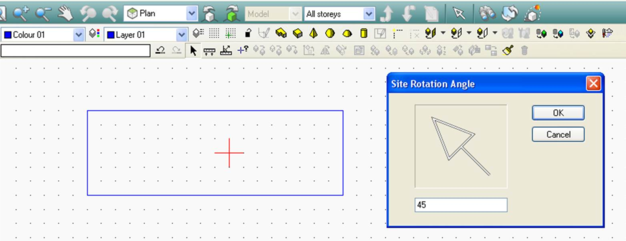
This option allows the orientation of the building to be set. The arrow points in the direction of North and adjusts when a value is entered on the input line (default position = pointing straight up). A corresponding North-pointing arrow is always visible on the Main Toolbar.
Example: for the following model, the façade of the building indicated in the model is oriented towards North-East.