Here is some background information on the evalglare module (this is hidden from the user and is not required to use this feature).
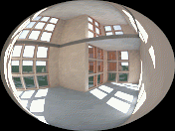
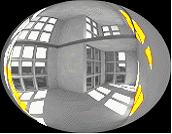
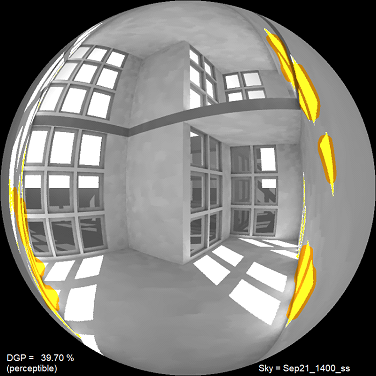
It takes as input a hemispherical fish-eye luminance image and generates a new image to display the glare sources (the glare file) and also a data file with the glare metrics.