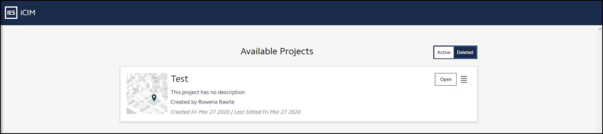
All the projects which are deleted from the active project list are saved in Deleted projects list.
Figure 3.1.2.a: iCIM Deleted Webpage
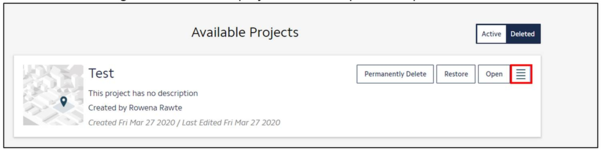
Click on the hamburger icon next to the project name to expand the options.
Figure 3.1.2.b: iCIM Deleted Options
There are options to:
10. Permanently Delete - clicking this would permanently delete the file.
When the user clicks on permanently delete, a pop-up window prompts to confirm the action, since the action of permanently deletion cannot be undone. Click on the “Yes” or “No” based on the required action.
Figure 3.1.2.c: Permanently Delete Option
11. Restore – clicking on this will shift the file back to the active page
12. Open – clicking on this allows to open the file to view