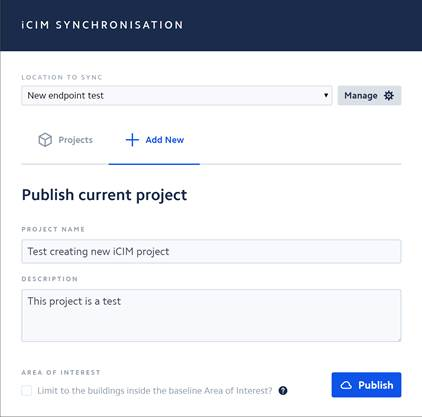
Once the endpoint created and selected, it is possible to create a new iCIM or iRoadmap project from iCD using the + Add New tab (see image below). The user needs to enter a Project name and can also write a description.
Once the name and a description given, clicking the Publish button
Figure9-27iCIM Endpoint – New Project
In the example above, the previously created New endpoint test has been selected and a New project called Test creating new iCIM project was created in it.
The model can now be visualised in the iCIM endpoint under the name set previously (see example below).
Figure9-28iCIM webpage – Newly created project in iCIM