The Scenario dialog can also be used to compare data or simulation results across different boundaries in a single model.
To do that:
1- Click the Scenario icon in the iCD toolbar to open the Scenario window (See Figure 7-1).
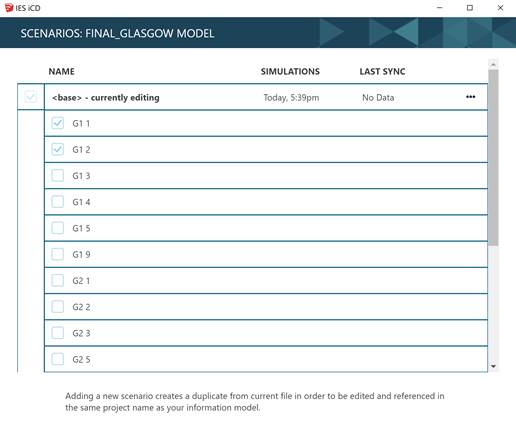
2- Tick the box on the left of your model. If the model contains boundaries, the list of the available boundaries will expand below the model’s name (see Figure 7-10).
Figure 7-10: Boundaries selection in the Scenario dialog
3- Select the boundaries to be compared (here above G1 1 and G1 2)
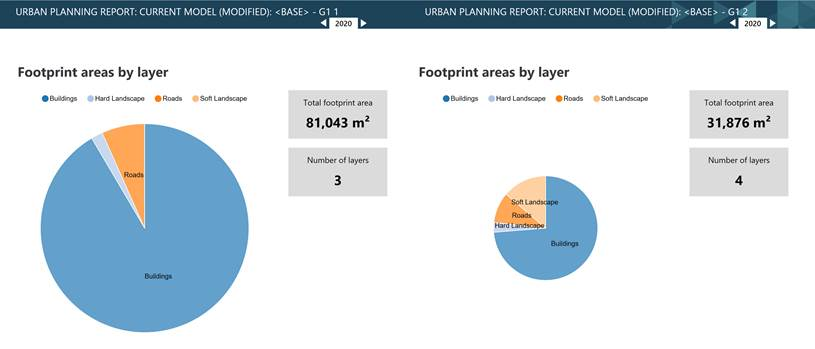
4- Choose the report to compare the boundaries over (here below: footprint areas by layer).