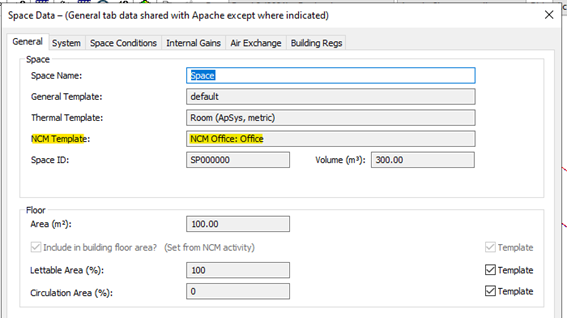
The General tab includes the NCM template applied to the room. The applied NCM template overrides the room parameters based on the NCM activities database (as discussed previously). This selection is in keeping with the Building and Room settings applied (refer to earlier sections).
Note: If the NCM activity is set by the template it may (like other template settings) be overridden in the room by un-ticking the Template check box and selecting an alternative activity from the drop-down list.