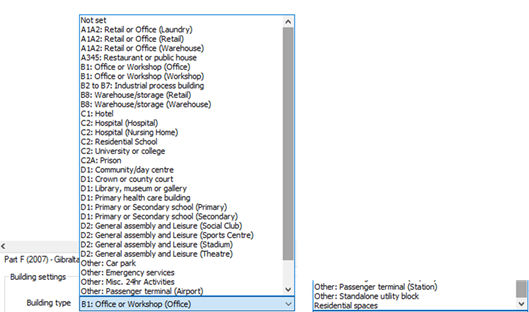
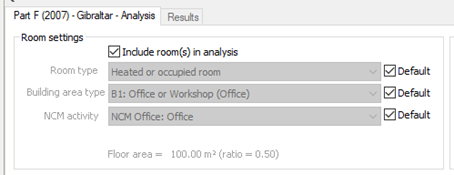
The ‘Building type’ dropdown menu includes a list of Activity and Building types defined by the NCM Activity database. A building type must be selected for the user to proceed. This selection informs the NCM activities placed on the model and at room level.
For a building with multiple use, the various parts can be analysed by including NCM activities from other NCM building types in the room-level assignments (Refer to section below).
Not all zones may need to be included in a compliance run for example separate buildings may exist within the same model. The part(s) of the building included in a particular analysis is defined by the settings of the check boxes ‘Include room in Building Regs analysis?’ for each room on the Room Data Building Regulations tab (Refer to section below).
Building category
Predefined upon Building Type selection.
Building data
For Building data > Set Building & System Data, refer to later section.
Above selections are also accessible via the space data query (Refer to below sections).