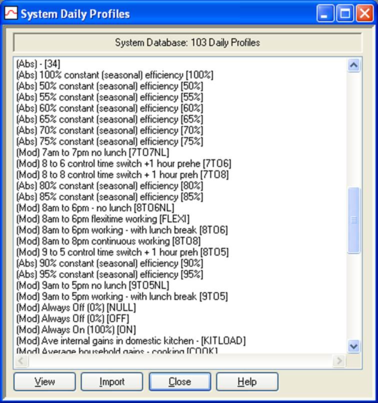
The system daily profiles database is a central store of daily profiles available for importing into projects. Many of these are referenced by system weekly and monthly profiles.
Figure 7 Viewing system daily profiles
A list of system daily profiles is displayed. To view a profile, double-click its entry on the list. Alternatively click once on the profile and then on the View button.
Buttons provide the following functions:
View : displays the data for the selected profile.
Import : imports the profile into the project.
Close : closes the system daily profiles database dialogue.
Help : provides help on using the system daily profiles database.