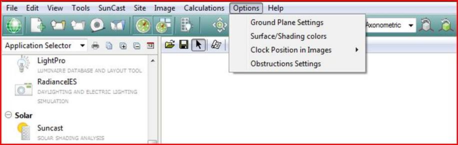
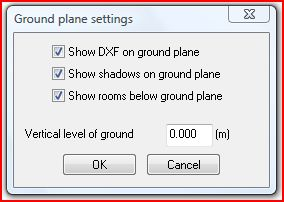
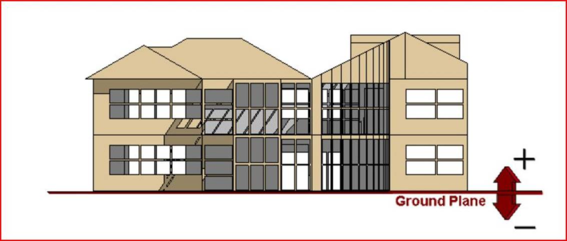
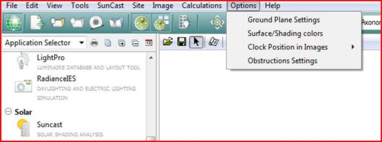
The ground plane is a virtual surface which simulates the surface on which the model is standing and onto which shadows are cast. The height (z-value) of this can be set by the user. This option can be switched OFF, as can the display of zones below this ground level. The option "Show DXF on ground plane" will draw an attached DXF on the ground plane (see ModelIT for details on attaching DXF files).
For the majority of circumstances you will not have to change this from the default value of 0.0.
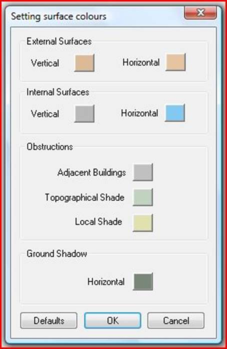
Surface/Shading Colours
This option pops-up the following window -
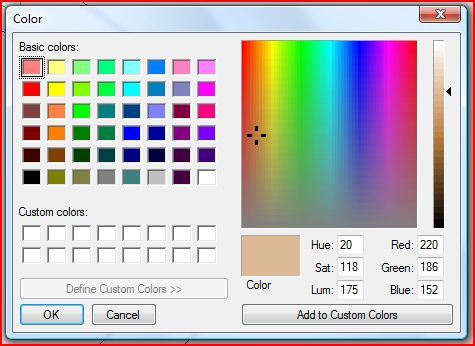
Clicking on a colour box pops-up the following window -
The selected colour can be changed using the standard options.
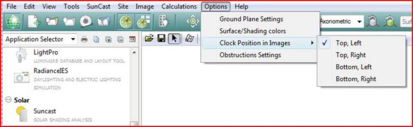
Clock Position in Images
The clock position can be set via the “Options” → “Clock Position in Images” menu.
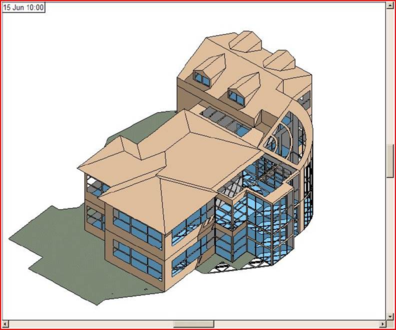
The default “Top, Left” option is shown below -
Model Obstructions
Turns the display of obstructions on/off, by selecting show/hide.