SunCast Features
SunCast can be used at any stage of the design process to perform shading and solar insolation studies and can generate images and animations quickly and easily from a model created by the IES ModelBuilder.
SunCast can be used to investigate:
· External obstruction and self-shading of a building.
· Solar mapping through windows and openings.
· The effects of changing orientation of building.
SunCast generates shadows and internal solar insolation from any sun position defined by date, time, orientation, site latitude and longitude. This shadow information can be stored for subsequent analysis by:
· Viewing shadows from any eye position.
· Animating the solar analyses by generating a sequence of images and creating an *.avi movie to send to your client.
· Making opaque surfaces "transparent" to permit the user to better view the solar insolation on internal surfaces e.g. “removing” roofs or surfaces to identify internal solar insolation paths.
· Displaying solar surface shading/insolation statistics.
· Output data for thermal simulation (see documentation on Apache).
SunCast can be used in a variety of studies including passive solar design and is essential at the planning stage to visualize the effect of the building on surrounding buildings. SunCast has also been used to study problems such as grass growth in sports stadia and ‘right of light’ issues. In addition, because it is possible to remove surfaces to investigate solar penetration, SunCast can be used to investigate internal design issues from office layouts to positioning of art in museums.
Getting Help
In SunCast the user can get help at any time on the current section.
To do this press the F1 function key

.
Starting SunCast
Application Bar
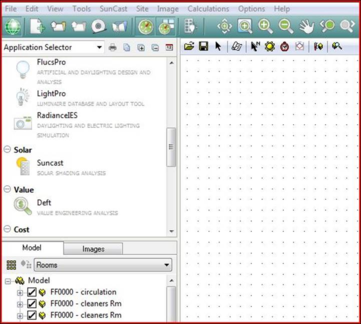
SunCast is activated from the “Solar” group in the Application bar (it is currently the only application in this group).
Mode
SunCast operates in three modes:
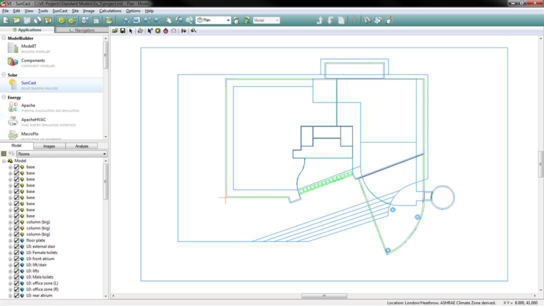
The traditional “Model” view showing the Model Browser and Viewport of the model, with all the standard features of this view (see ModelIT documentation for more information) -
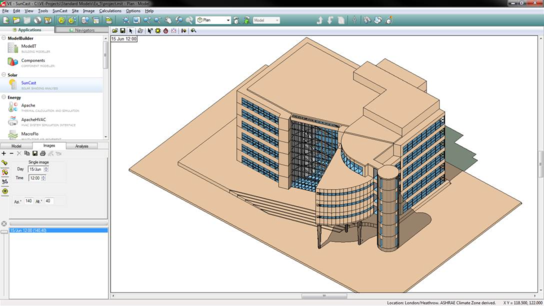
An alternative “Images” tab showing image generation options and stored images, this is unique to SunCast and is explained in more detail below.
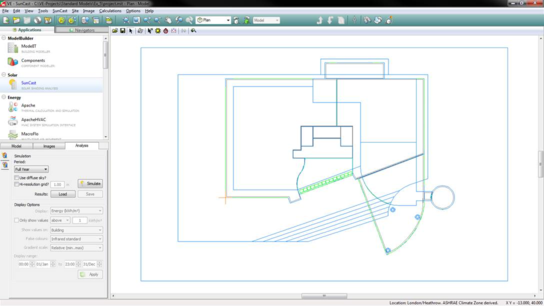
And an “Analysis” tab for visual analysis of Solar Energy and Solar Exposure on your building using the new Model Viewer II.