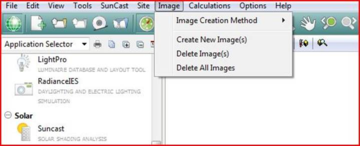
The “Create New Image(s)”, “Delete Image(s)” and “Delete All Images” can also be activated from the Image toolbar rather than the “Image” menu, by using the , and buttons.
The “Image Creation Method” pull-down menu is as follows -
Clicking on these options will switch to the appropriate tab on the “Image” view.
Click the icon to create image.
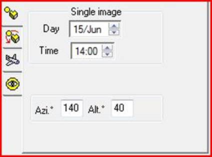
Single Image
Here the user selects a single image for the given date and time from a fixed eye point defined by the Azimuth and Altitude (see section 14.2 below).
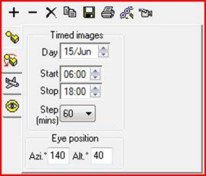
Timed Images
Here the user can generate a series of images at a fixed time interval over the given date from a fixed eye point defined by the Azimuth and Altitude.
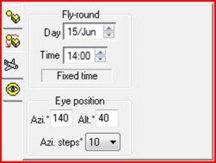
Fly-Round
Here the user generates a series of images for a fixed date and time by rotating the model at the given step interval through 360° around the model at a set altitude.
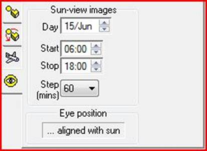
Sun-view Images
Here the user can generate a series of images at a fixed time interval over the given date from the position of the sun (calculated automatically).


 ,
,  and
and  buttons.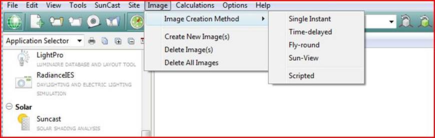
 icon to create image.