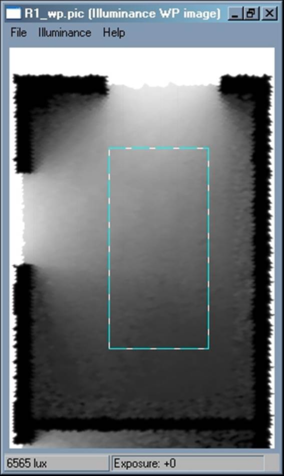
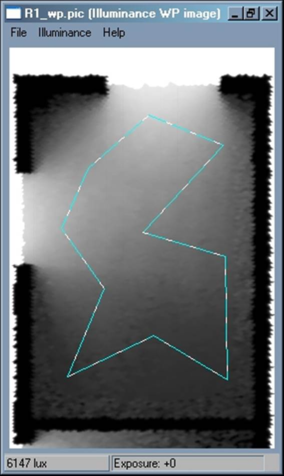
The user needs to be able to define a subset within an image and only generate statistics on this region. This is defined this as the “Area of Interest” (AoI) within the image. This can be defined either by two points to represent an orthogonal box or by a general polygon.
A new menu item has been created under the “Illuminance” menu - “AoI”, which has four options - “Load”, “Save”, “Clear” and “Edit”. The “Load” and “Save” options read and write a file which stores the defined AoI, this file has the same structure as a points file and has the extension “*.aoi”:
· AoI Points File: X,Y positions of AoI points on a PIC file
· IMAGE_NAME=R1_wp.pic
· IMAGE_TIME=1051106832 (15:07:12, Wednesday April 23, 2003)
· POINTS=2 [x,y]
· 1.0, 3.0
· 2.0, 1.0
The “Clear” option deletes the defined AoI.
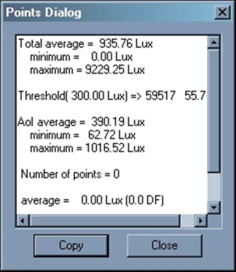
When the “Statistics” option in the “Points” menu is used to generate averages, the average over the AoI is also calculated (also minimum and maximum):
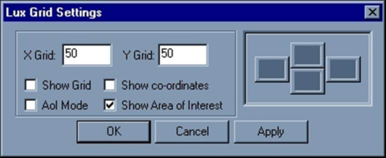
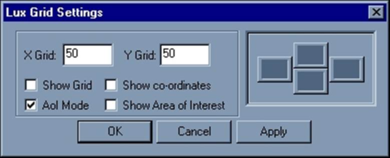
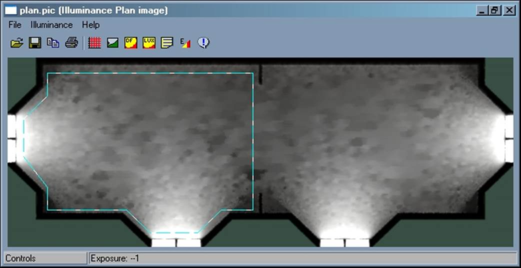
The outline of the AoI can be made visible or not by using the “Show Area of Interest” check box on the “Lux Grid Settings” pop-up window:
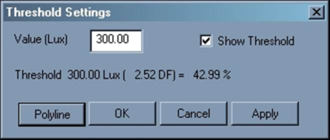
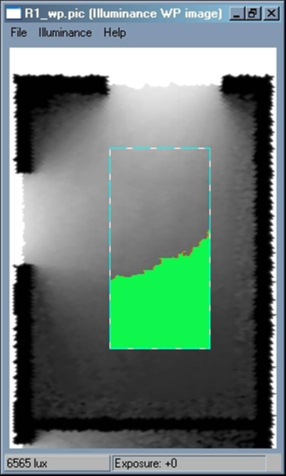
When a “Threshold” value is generated, it is only applied to the AoI:
Defining the Area of Interest
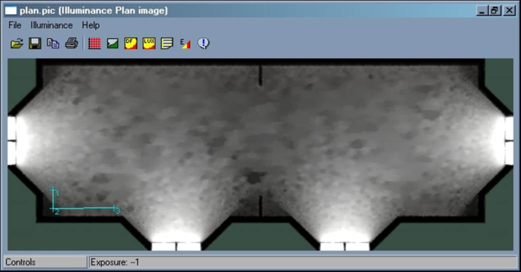
Firstly set the "AoI Mode” on (in the “Lux Grid Settings” pop-up):
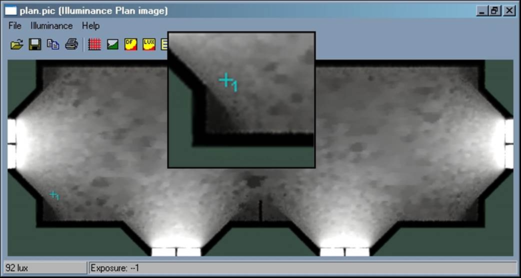
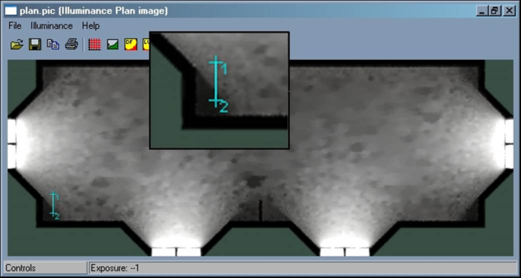
In this mode when a point is clicked on the image it becomes the first point of the Area of Interest (point labelled 1 below):
When the next point is clicked it becomes the second point:
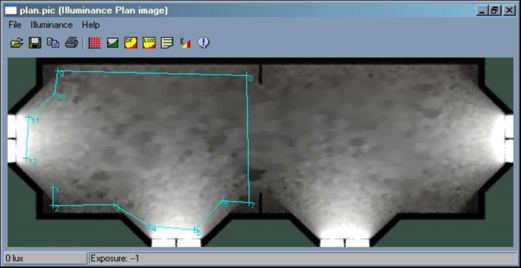
Continue digitizing the polygon:
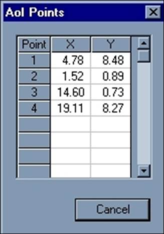
The “AoI” can be edited by selecting the "Edit” option in the “AoI” menu.
The AoI vertices are stored in Model co-ordinates; this means that the AoI for a given space is independent of the size of the image that has been created.
The “Edit” option pops-up a window as shown:
These values can be modified as required by the user.
A default AoI can be created for each zone in the model, to make this more useful the AoI should be defined in model co-ordinates. In other words the user reverses the current process where the user stores the AoI in pixel values and allows a conversion into model co-ordinates. The user can then get any zone in the model and create a default AoI, by using the inner volume floor.
The user could have two mechanisms – either automatically create the AoI when a zone is selected for R-to-L simulation, or have a button to do this (with potentially large models with many zones, automatically creating the AoI for every zone would be undesirable).