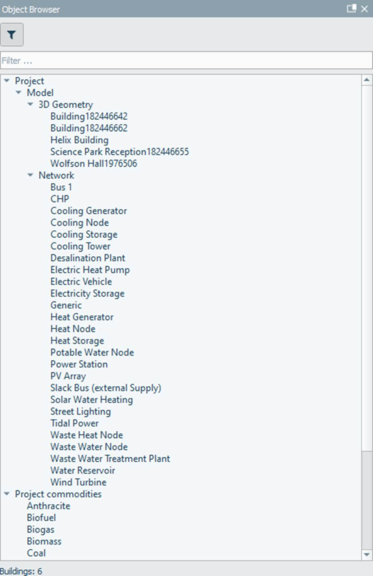
The object browser (see Figure 3-28) allows the user to navigate between objects and select objects in conjunction with the different views available in the workspace.
The object structure and its objects are shown in the object browser. Each object has a set of unique properties grouped in sets. This includes model location, weather file and model solar (shadow) controls for rendered views. Access to object data and simulation results is facilitated by picking objects and then exploring the referenced data via the relevant tool, such as the data inspector or analysis inspector. Output data properties are directly referenced by the object and updated with each simulation.
Figure3-28:The object browser displays all of the objects available within a project’s models.
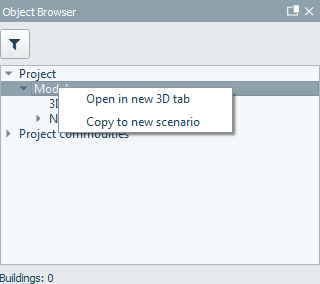
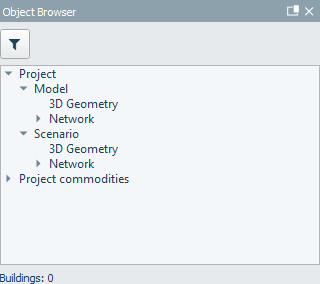
Projects can have one or more model scenarios (see Figure 3-29). Each scenario contains unique objects. A model scenario can have one iVN network only.
Figure3-29:Scenariomodels contain unique objects, accessible in the object browser and grouped for eachscenario