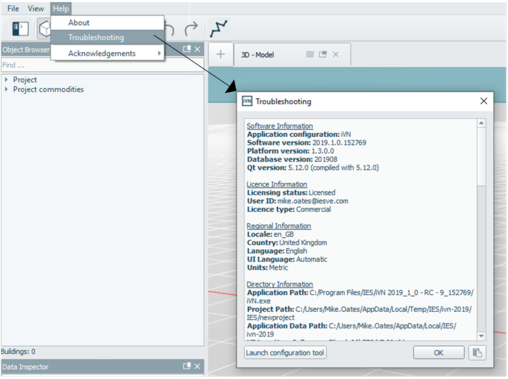
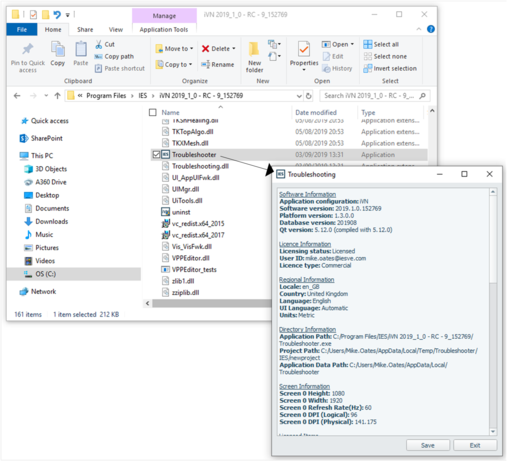
iVN Troubleshooting can be launched from the following areas:
· Within the software; File menu > Help > Troubleshooting
· Standalone application; program files > iVN > Troubleshooter
In both cases, troubleshooting content can be copied from the troubleshoot dialog.
Figure 3-3: File menu > Help > Troubleshooting – Dialog
Figure 3-4: Standalone Troubleshooting – Dialog