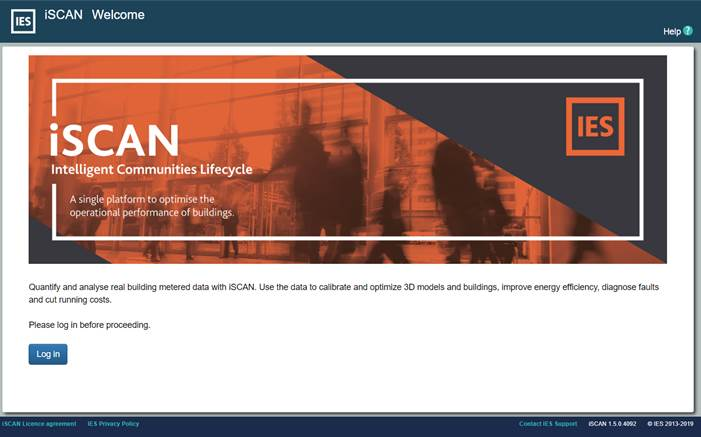
You can access iSCAN by going to the iSCAN login page (https://iscan.iesve.com/) and clicking the “Log in” button at the bottom left of the page.
Figure1iSCAN Log-in Page
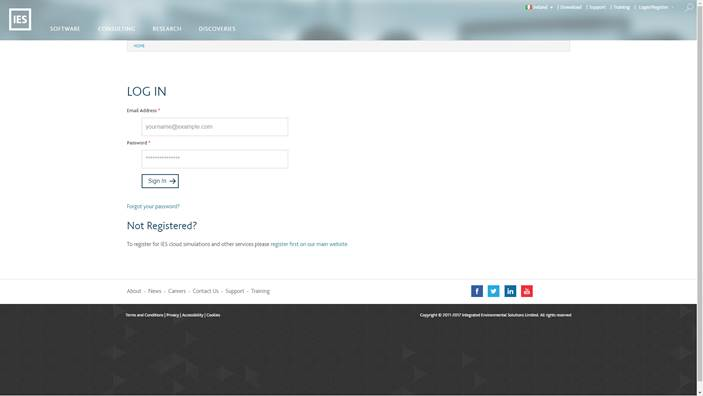
Use your iesve.com account credentials in the “LOG IN” form and click “Sign In” to gain access. If you do not have an iesve.com account you will be required to register for one before accessing the web tool. To access the features and services of iSCAN you must also have a valid iSCAN account set up by IES. If you do not have a valid iSCAN account you can contact support@iesve.com to request one.