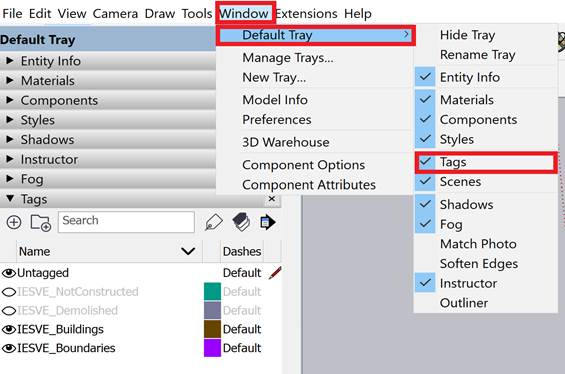
All of the above objects are added into iCD in layers so that it’s easy for the user to switch off and on.
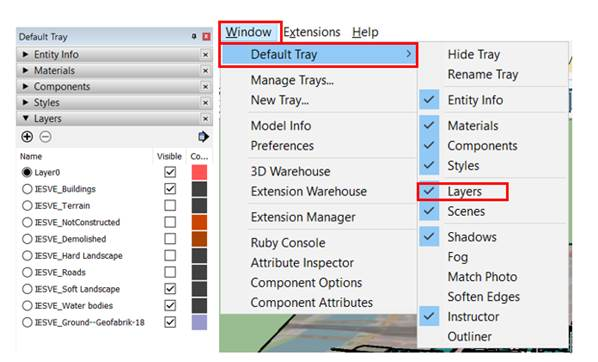
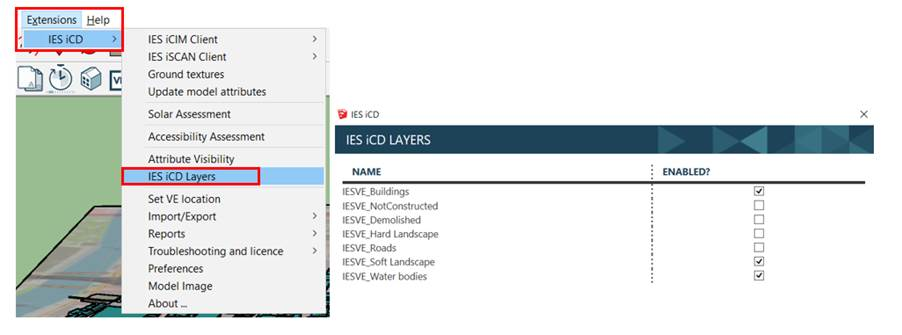
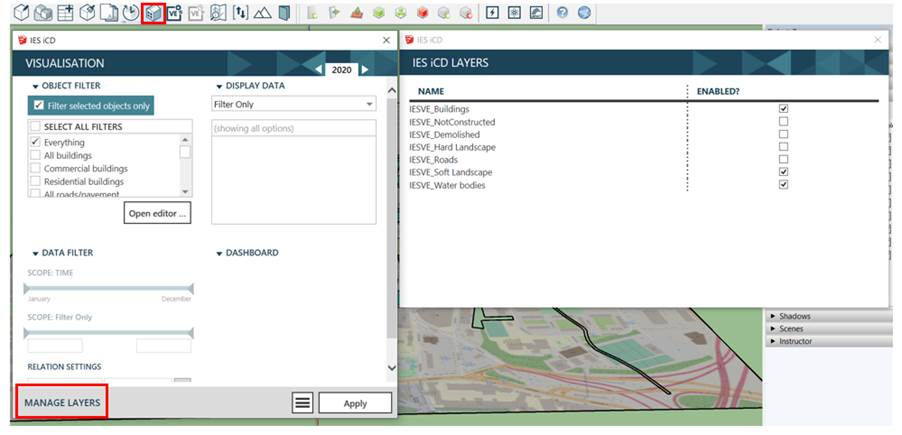
Layers can be viewed and controlled from 3 locations in the tool:
· Sketch Up Tag Tray – The tag tray is part of the default Sketch up tray. In case the user has not enabled it, it can be enabled from Window->Default Tray->Tag
· Extensions – IES iCD Layers – the user can also find it under Extensions->IES ICD-> IES iCD Layers.
· Manage layers in the Visualization tool – In the Visualization tool, click on manage layers to view the IES iCD Layers.
Objects are created in iCD either by importing the site’s geometry from another source or manually creating the objects from drawn polygons.