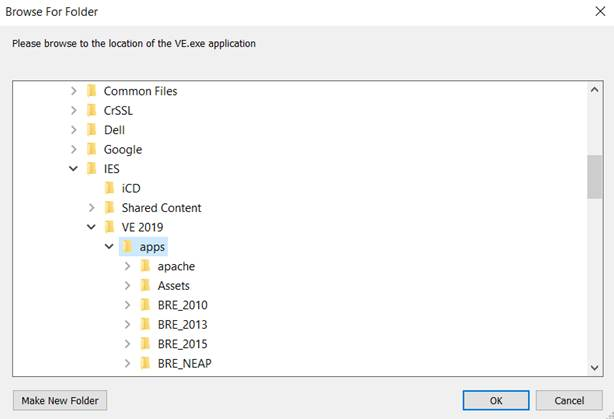
The iCD plug-in uses the IES VE calculation engine to perform energy, solar and water analyses. It is thus very important to indicate to iCD the folder where the VE executable application VE.exe is located.
To do so, proceed as follow:
1. Click the Extension Tab> IES iCD > Set VE location
2. A dialog box opens with a browser
3. Select the folder where the file VE.exe is located from the Browser and click OK