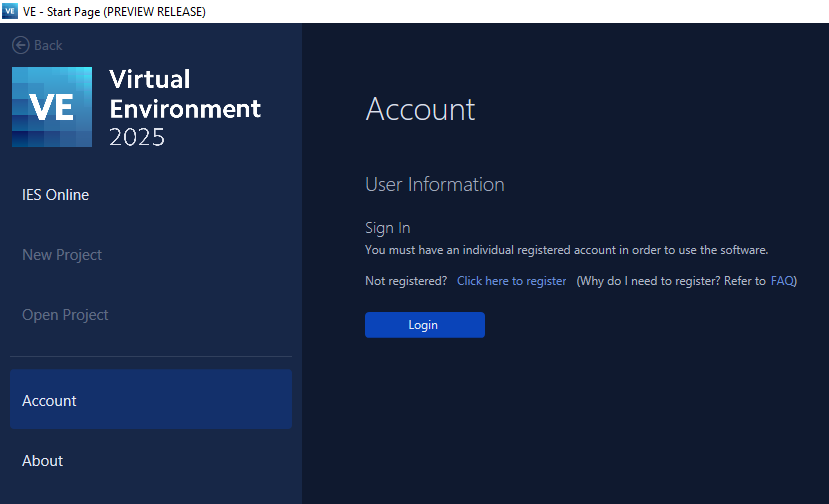
Upon opening the Virtual Environment, the user is directed to the Start-up page > Accounts in a logged out state (for first time users).
Selection of the Login [button] launches the login.
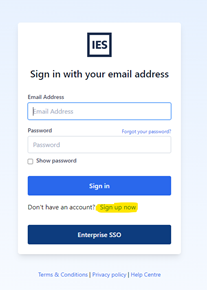
New and existing users need to register via the “Sign up now” link highlighted below.
Upon successful log-in or registration into the Virtual Environment, if an active license is detected the user can proceed into the Virtual Environment.
The below details are displayed on the Start-up > Accounts page
User name
User email
Where applicable; license name and expiry date
User details are also displayed on the task bar, and provide ease of use to return to the Start-up > Accounts page and Sign Out.
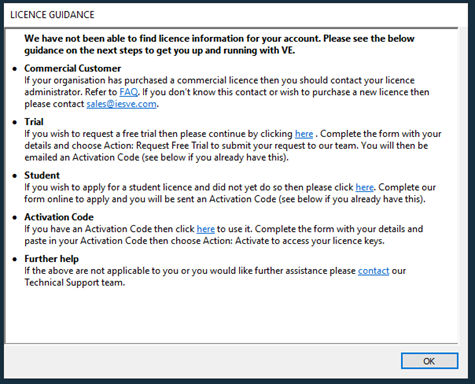
During log-in, if assistance is required the below dialog is displayed to guide the user.