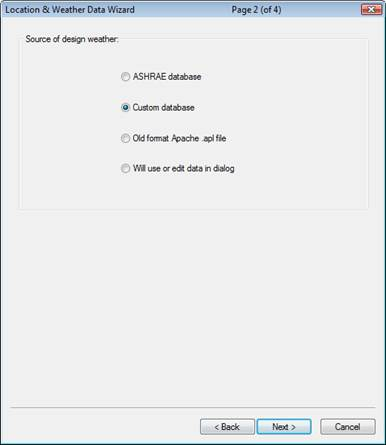
The second source of design weather is a custom database. This database is one created by the user once a current database, which has been edited to user’s requirements, has been saved. (The saving procedure would have been performed in a previous session, using the Add to custom database button in the Design Weather Data tab.)
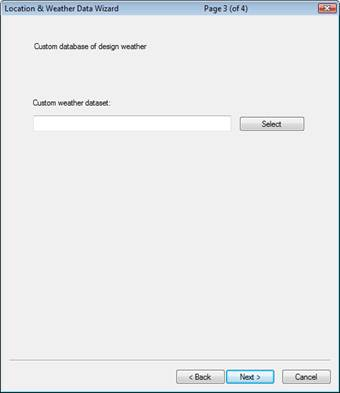
Once Custom database is chosen, click Next > and on the following dialog, shown below, choose Select and select from the list of custom databases to choose the design weather.