Geometry for trees and hedges for appendix G daylight simulation can be applied to the model by:
2D tree components:
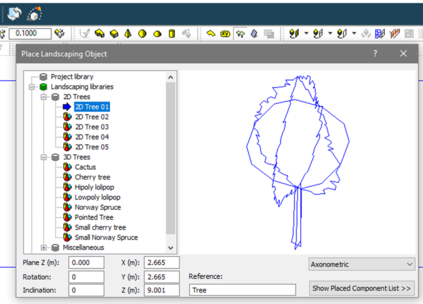
ModeliT > Place landscaping objects gives access to ready-made individual 2D trees that can be scaled and placed in the model.
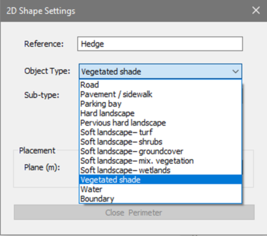
Plane > vegetated shade :
ModeliT > Draw plane allows the drawing of 2D planes on any plane; planes can be used to represent hedges or combination foliage on a boundary. Set the view to draw on the required plane and select Draw plane; on the dialog that is shown select Vegetated shade: