The simulation options dialog contains a number of settings tabs.
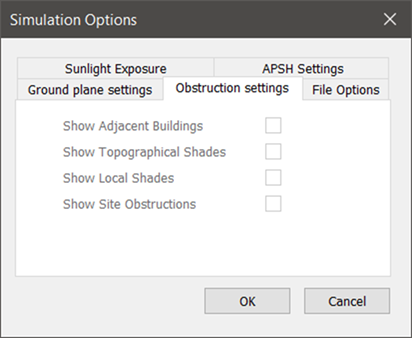
Obstructions settings
Check/uncheck boxes in the pop-up window to turn the display of obstructions feature on/off.
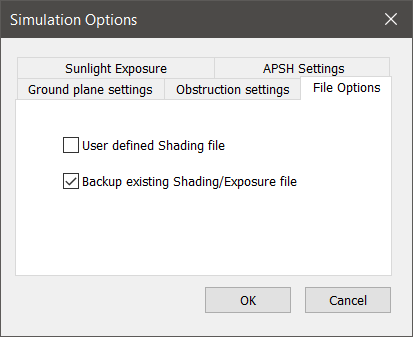
File options
Check/uncheck boxes in the pop-up window to turn shading files options on/off.
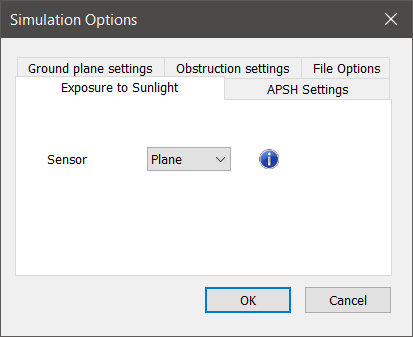
Sunlight exposure
Combo-box in the dialog to set the sensor type.
The sensor type setting changes what part of a window is utilised as the ‘sensor’:
- Plane: the whole glazing surface is the sensor.
- Centroid: the centroid of the glazing surface is the sensor
- BR209: a position (BR209:2022 clause 3.1.12) above the sill on the centreline of the glazing surface is the sensor.
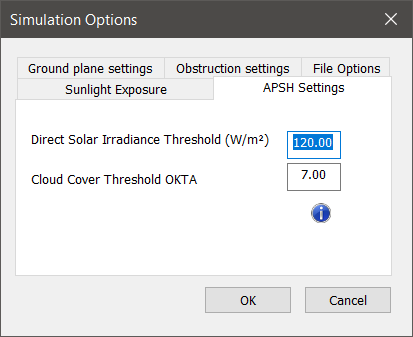
APSH settings
Combo-boxes allow the user to set the thresholds for Irradiance and Cloud cover for calculating APSH.
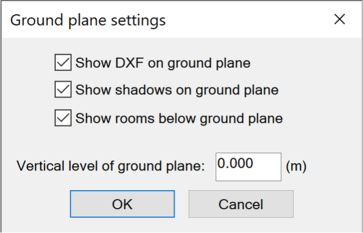
Ground Plane Settingsplane settings
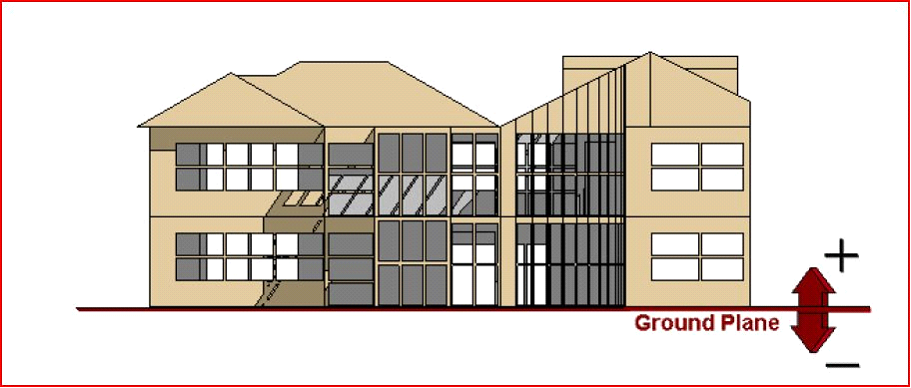
The ground plane is a virtual surface which simulates the surface on which the model is standing and onto which shadows are cast. The height (z-value) of this can be set by the user. The option to display shadows on this plane in addition to on the building, can be switched OFF, as can the display of zones below this ground level. The option Show DXF on ground plane will show an overlay of an attached DXF file on the ground plane (see ModelIT for details on attaching DXF files).
For the majority of circumstances, you will not have to change this from the default value of 0.0.