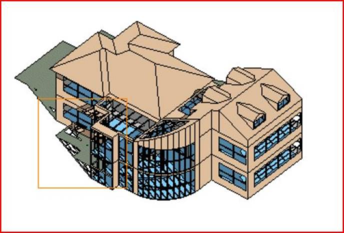
Click the “Zoom To User Window” button . Now left mouse click and drag the box across the image -
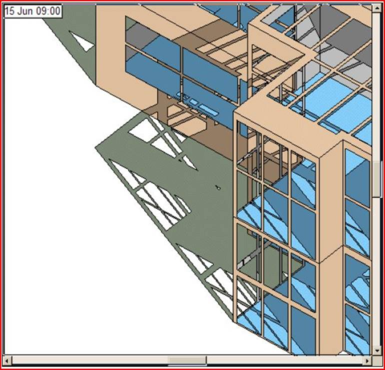
Release the mouse button to zoom in to the section.
Note that this works in the same way as zooming in/out in the Model view.
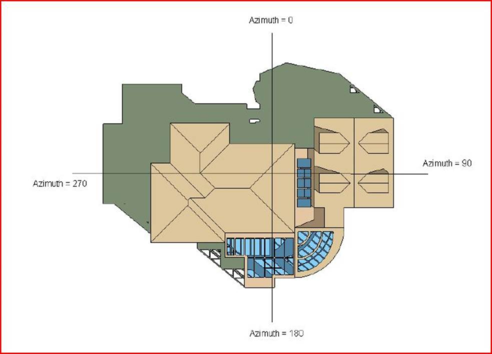
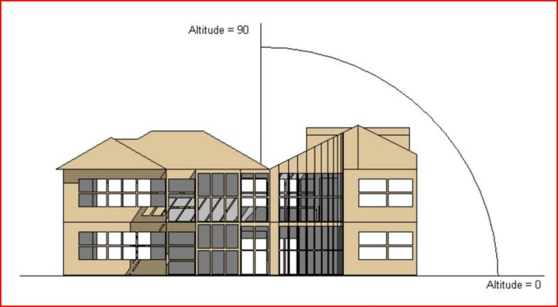
Definition of Azimuth and Altitude
Azimuth
The angle range is from 0° to 360° clockwise from North, see below. The azimuth will not make a difference to the rotation of the graphic if the Altitude is set to 90°.
Altitude
The angle range is from 0° to 90° from the horizontal, see below.


 . Now left mouse click and drag the box across the image -