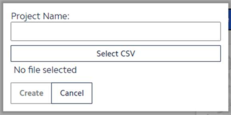
To create a new project, select the ‘Create’ button.
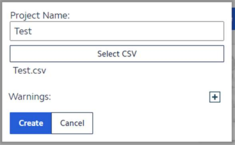
Enter a name for the PIM project, then click ‘Select CSV’ to choose a file to upload.
Figure 4.1.1.1a: Create a new project
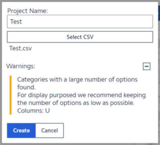
Depending on the data in the CSV file, warning/s may be listed. The user may choose to act on the warning or ignore it and proceed. In both cases the data will be uploaded. In some cases, if the warning is ignored the uploaded data may have some errors. In that case, the user will have to rectify the data and upload again.
Figure 4.1.1.1b: Name a new project Figure 4.1.1.1c: Warnings
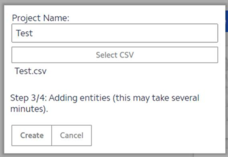
iPIM will process the data and create the iPIM project in 4 steps and create an iPIM project.