4.1.5.4. Contact IES Support
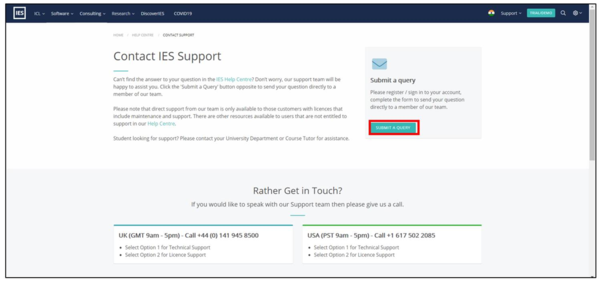
this is in case the user wants to submit a query regarding the iCIM tool or speak to our support team.
Note to submit a query, the user will need to log into the IESVE website with the login and password created in section 2.1.1.
Figure 2.1.5.d: iCIM – Submit a Query
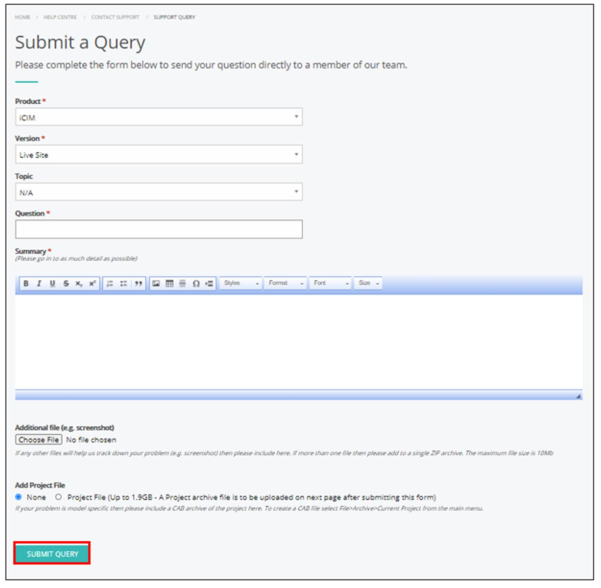
Fill in the details in the form and submit.
Figure 2.1.5.e: iCIM – Submit a Query Form