Boundaries can be manually created based on user’s preference or model requirement.
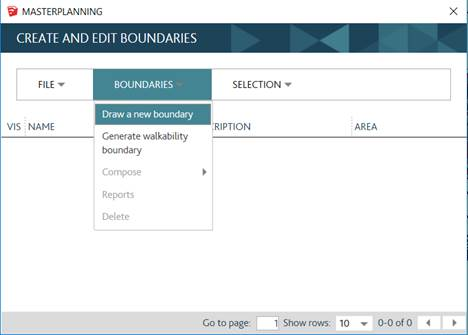
Boundary tool< Boundaries < Draw a new boundary.
Figure4-89Create New Boundary dialogue box
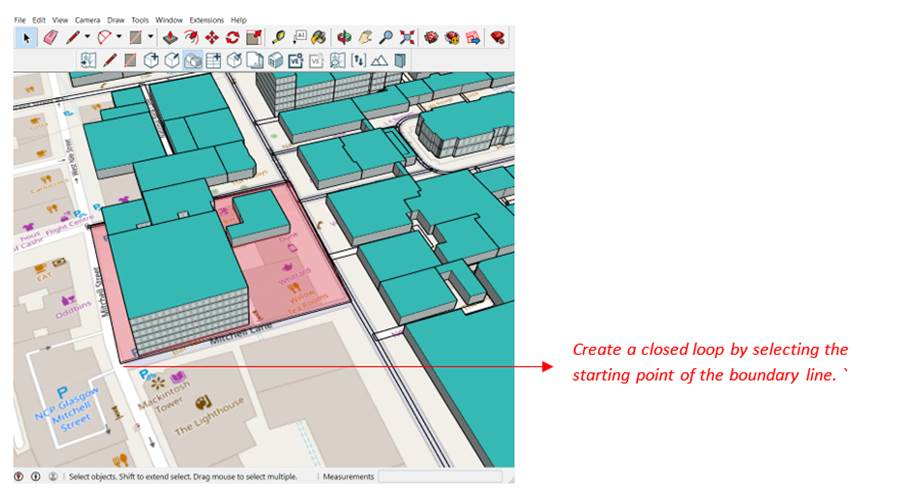
1. Click and draw a closed loop around the 3D objects to create a boundary (The boundary must be closed by selecting the starting point of the boundary line - starting point and the finishing point of the boundary line must be the same).
2. Double click the boundary name to edit the boundary specifications. The user can create any number of boundaries manually or import it from the GeoJSON file to the iCD model.